
1
Install Balt in your chat app
Slack, Microsoft Teams or Discord: see Install Balt.
2
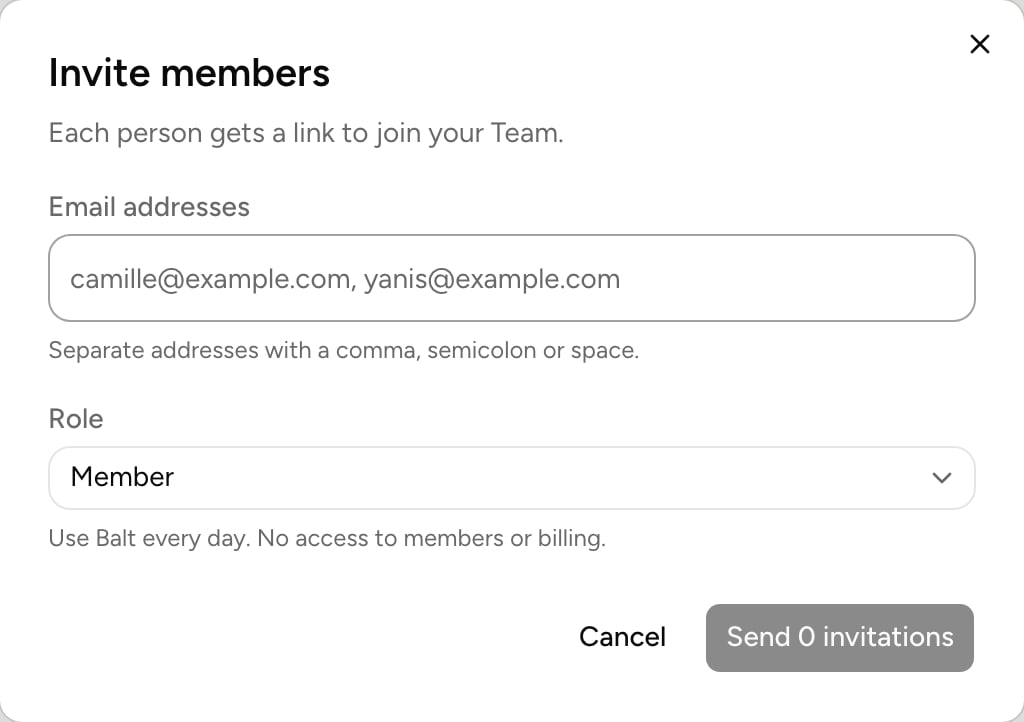
Invite your colleagues
From your profile menu, Invite members. Each person gets a link to join your organization.
3
Connect the company's tools
Under Integrations, connect the tools the whole team uses. With Company access, an admin of the tool authorizes Balt for the whole organization.
4
Deploy the useful routines
Open one of your routines, then Deploy to organization: choose who gets it. See Deploy to organization.
5
Share your use cases
In the Discovery tab of Routines, Share a routine: your colleagues switch it on for themselves.
Roles