

For you or for the whole organization
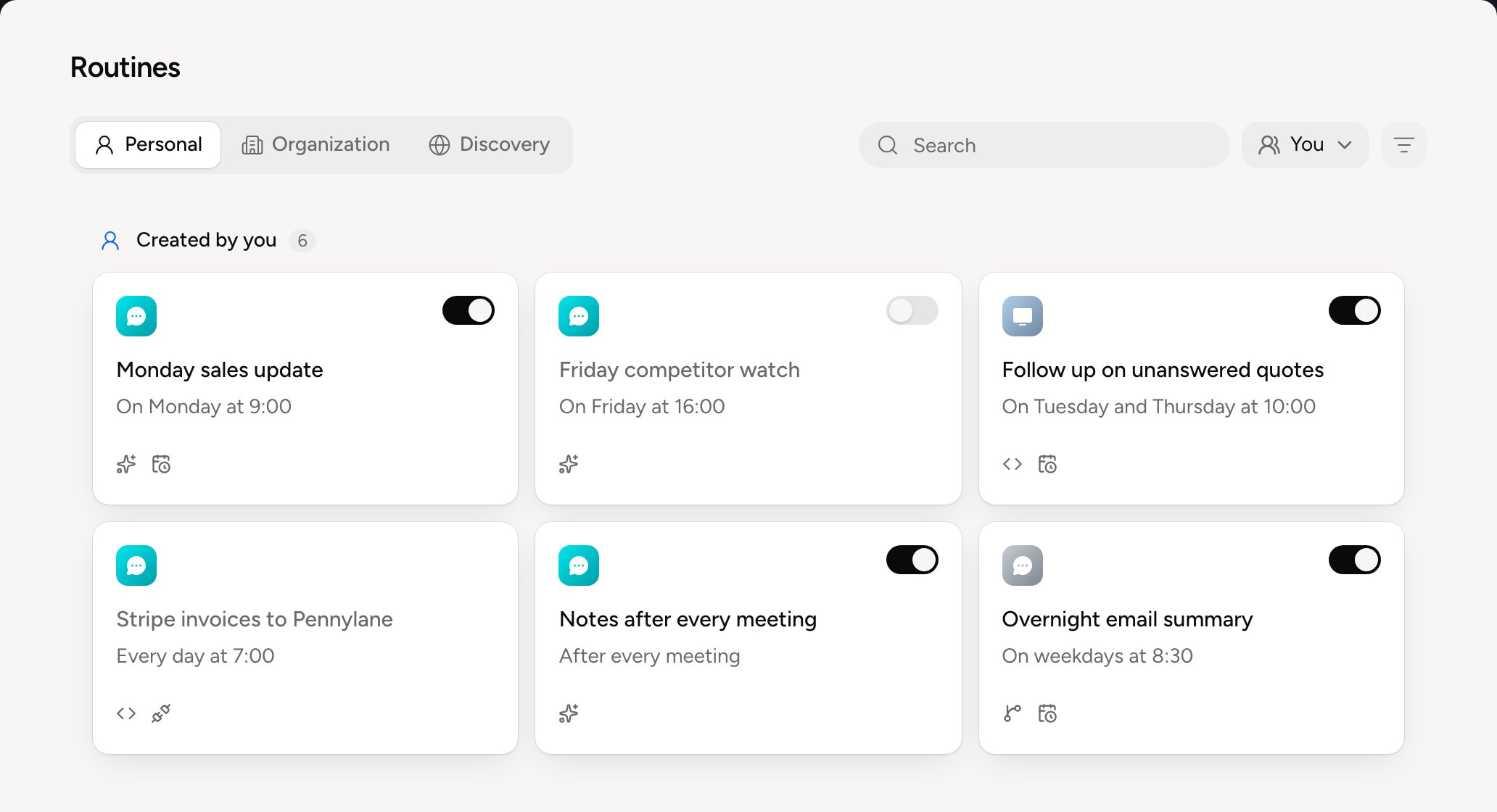
A well-tuned routine rarely serves one person. A salesperson’s Monday update serves the whole sales team, a project lead’s meeting recap serves every project lead. Instead of everyone reinventing the same process, one person gets it right once and the whole organization benefits. There are two ways to do it.
Sharing suits a good practice you suggest. Deploying suits a process the whole team should follow the same way. See Share a routine and Deploy to organization.
A colleague’s routines
An administrator can see a colleague’s routines: in Routines, pick the person in the You selector, next to the search. If they pause or delete one, the person gets an email.Everything about routines
Create a routine
Ask Balt for it, what sets it off, its mode
A routine's page
Where it answers, what it does without asking, its states
Runs and versions
Each run’s result, and going back
The Balt team's routines
The ones on from day one
Share a routine
Offer it to your colleagues in Discovery
Deploy to organization
Switch it on for everyone, for administrators only
Follow a deployed routine
Who has it, who’s waiting, and improving it
Collect answers from the team
Ask each colleague and get the summary