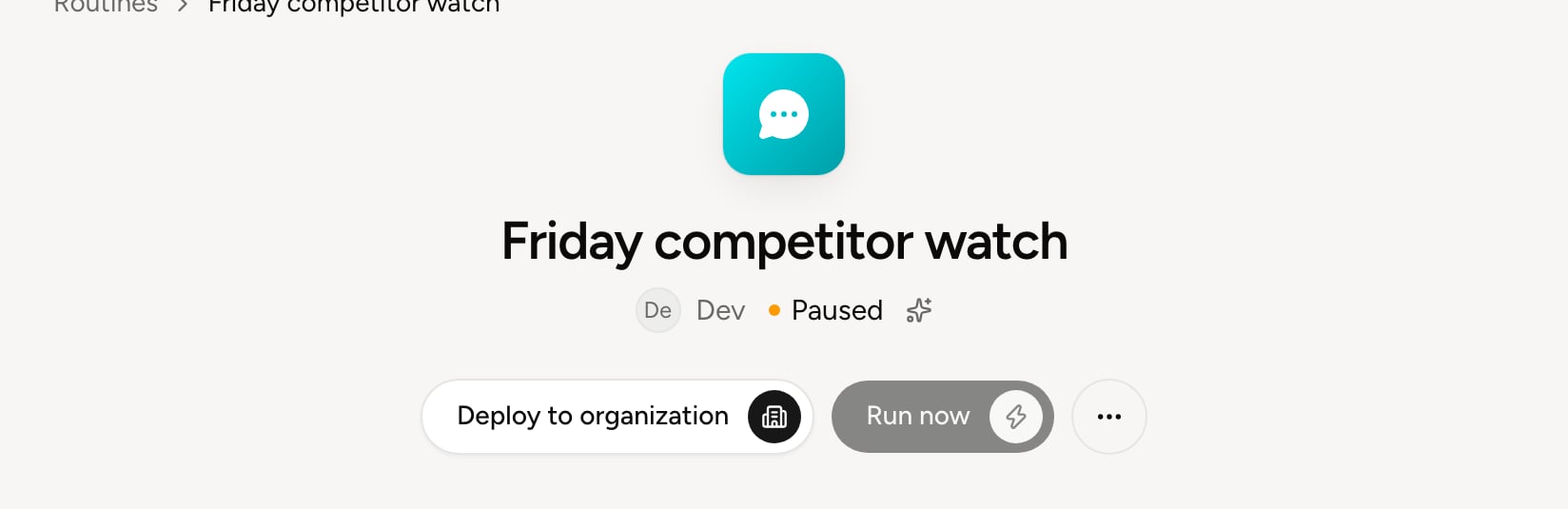

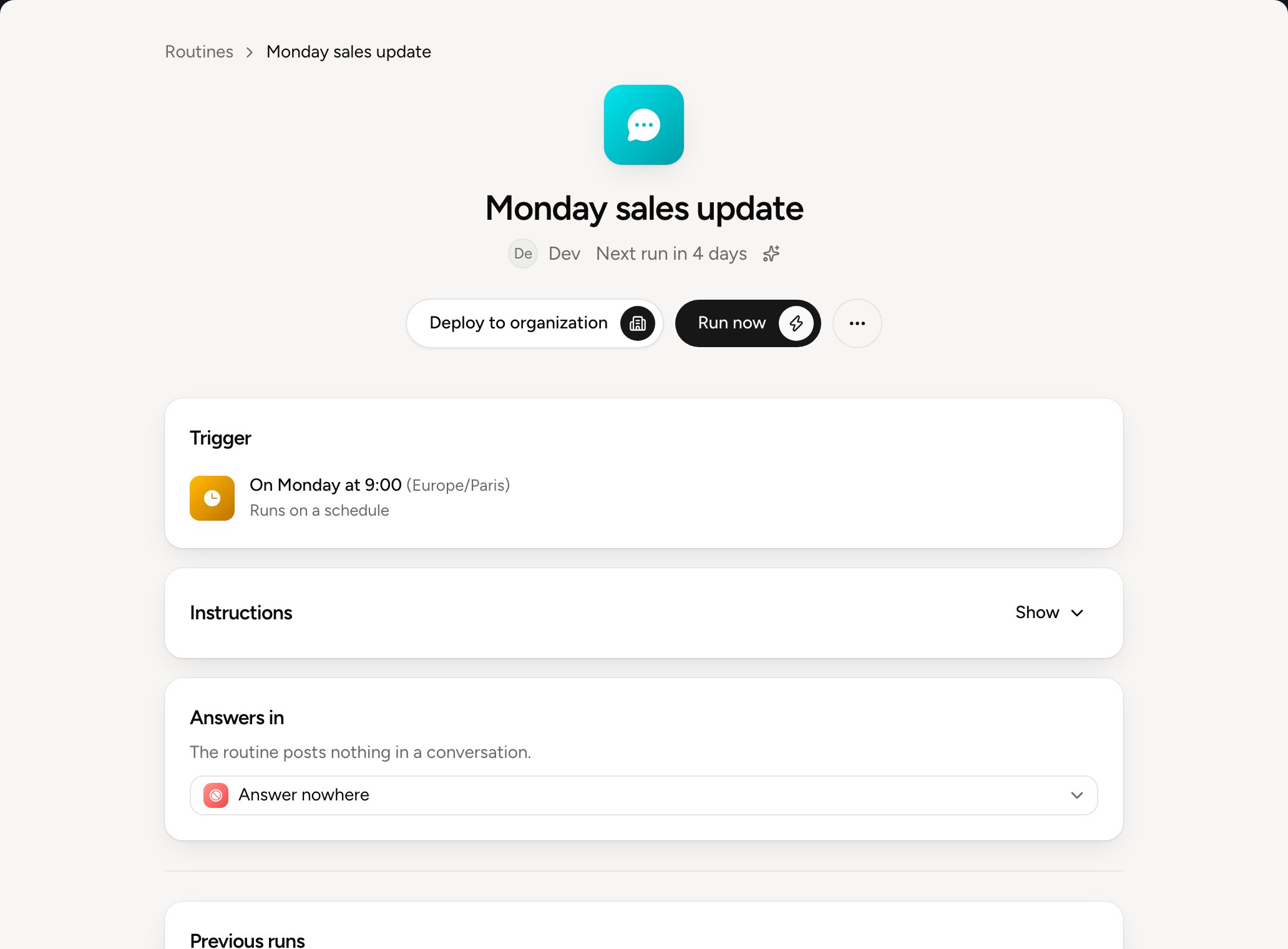
At the top
Under the title: who created the routine, its next run and its mode.- Run now starts the routine without waiting for its trigger. The result appears under Previous runs. See Runs and versions. The button isn’t there for a routine set off by an event, nor for the Balt team’s routines.
- Deploy to organization switches it on for other people. Only administrators see it, on their own routines. See Deploy to organization.
- The ⋯ menu pauses, resumes or deletes the routine.
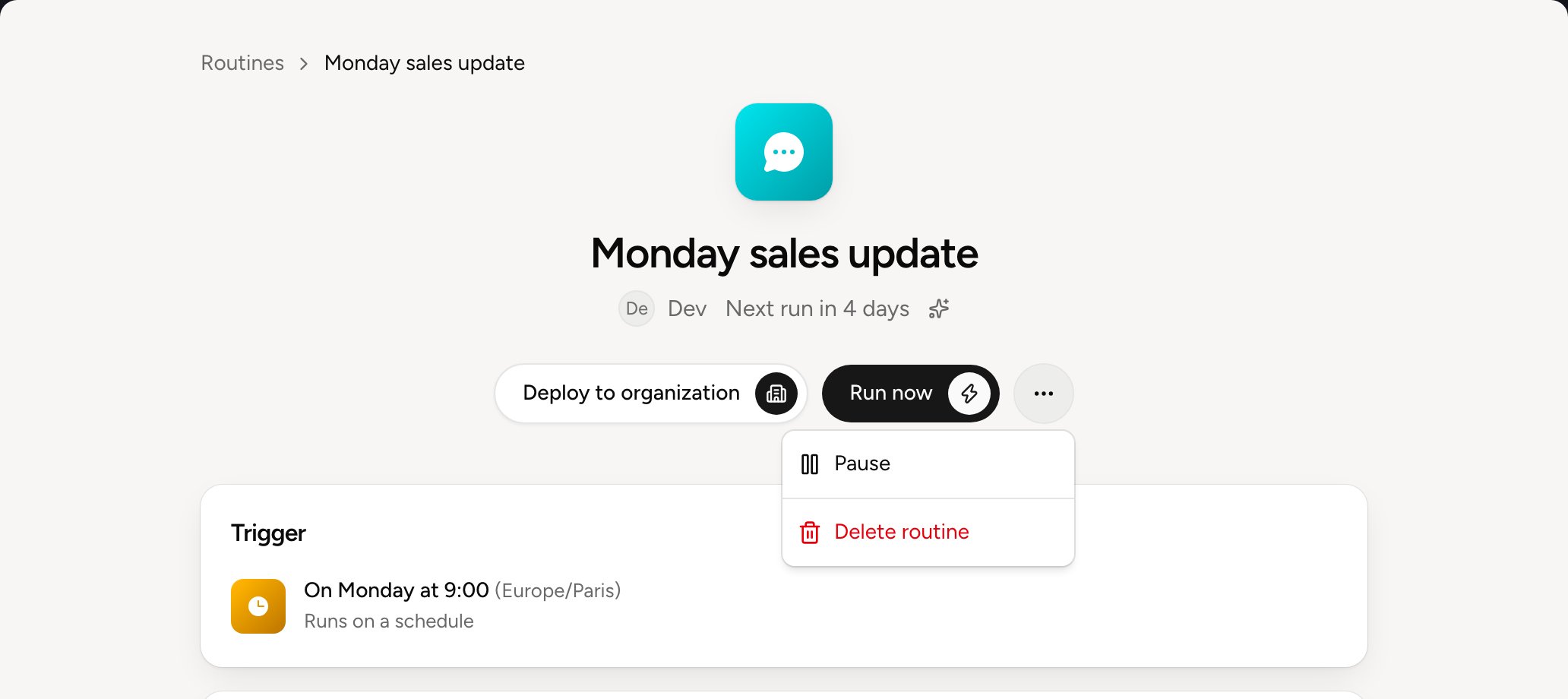
Trigger, instructions and script
Trigger shows when the routine runs. Instructions holds what Balt has to do: click Show to read them. For a routine in Code only or Code, then Balt, Script shows the code Balt wrote, with Show the code. To change a routine, ask Balt, in the console or in your chat app: “In the Monday update routine, add the signed quotes.” Balt changes it and saves a new version. To go back to an earlier version, see Runs and versions.Where it answers
Answers in picks the conversation where the routine posts its result.
Changing the conversation applies from the next run and doesn’t create a new version.
What it does without asking
A routine runs when no one is around. The actions it takes without asking were each approved in a conversation with Balt. They’re listed under Allowed without asking, with who allowed them and when. Click Ask again so Balt asks before doing them again. Never allowed lists the actions the routine never takes, whatever your organization allows elsewhere. If it needs one, the run stops and says so. What Balt may do in each tool is also set in What Balt does alone. See Approvals.A routine’s states
When a routine is paused, Why it’s paused says why.