

With no setting, Balt reads freely and asks before writing or deleting.
For the whole organization
On an organization account, an administrator opens the How Balt works for them menu, then Customise by action….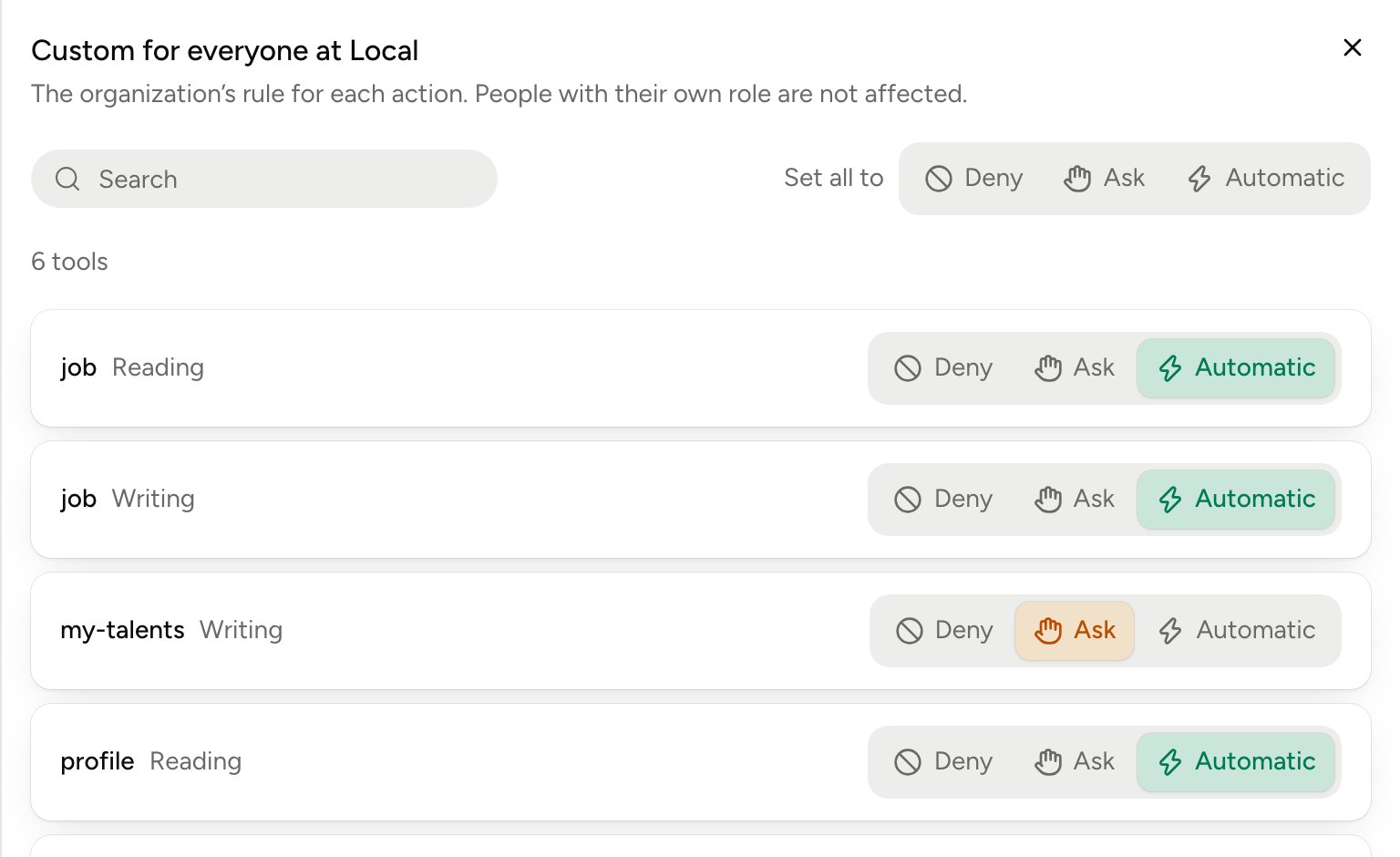
- Pick Deny, Ask or Automatic on each action.
- Set all to applies the same setting to every action.
- The setting covers the whole tool, across all its accounts.
- People with a role of their own aren’t affected.
For one person
In the list of people, open their role menu, then Customise by action…. Their settings start from their role, and your changes win.- Copy from… takes another person’s settings.
- Reset to level clears the changes and goes back to the role.
- An action marked Switched off by the organization stays denied: a personal setting can’t reopen it.
Which setting wins
- An action the organization set to Deny stays denied for everyone.
- Otherwise, a person’s own setting beats their role.
- Their role beats the organization’s setting.