

Who can use this connection
Who can use this connection picks between the whole organization and Only people you invite. Only an administrator can open an account to the whole organization. See Personal and organization accounts.An organization account
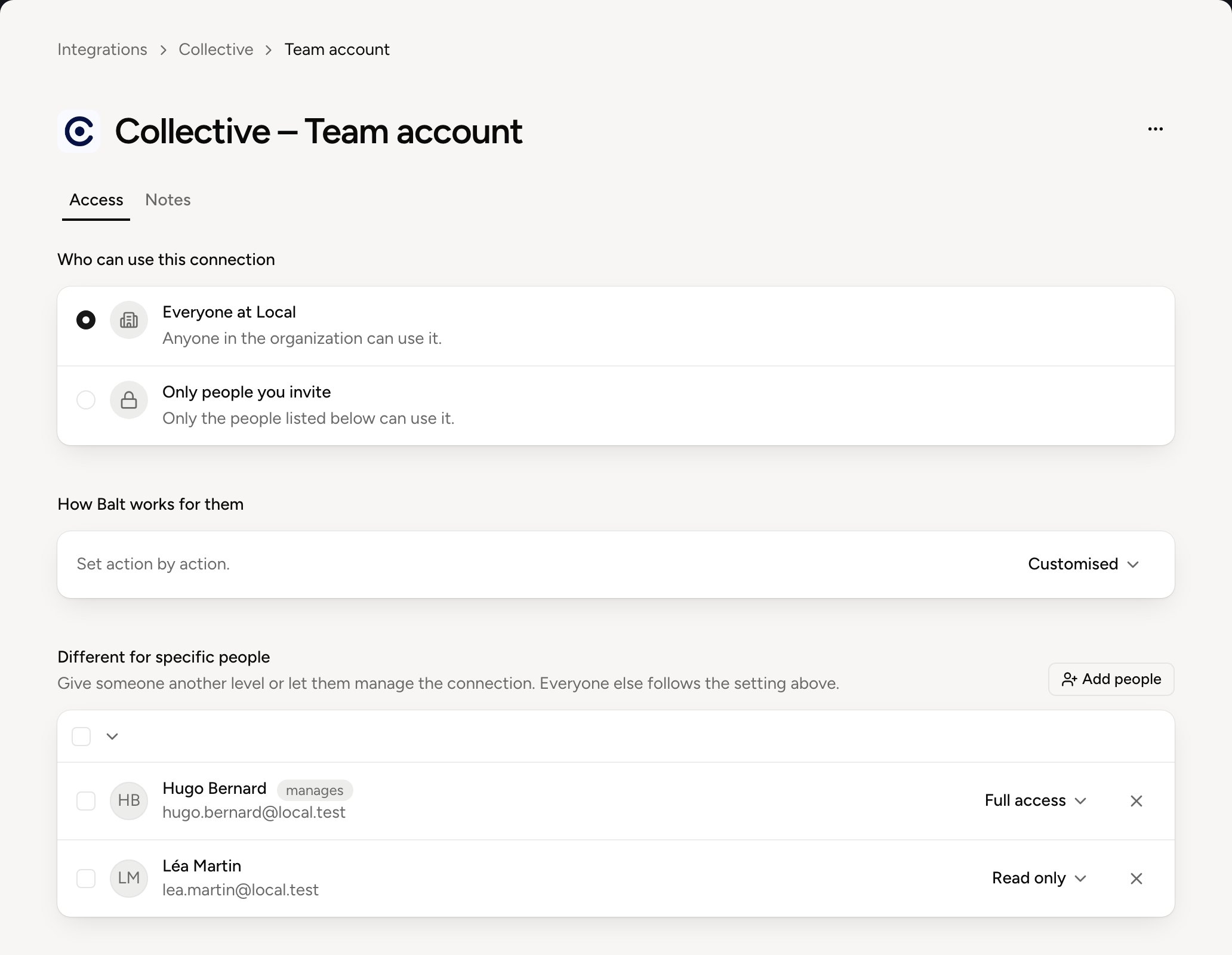
- How Balt works for them sets everyone’s role. Only administrators change it.
- Different for specific people lists the exceptions: someone with another role, or who can manage the account. Add some with Add people. Everyone else follows the shared setting.
A private account
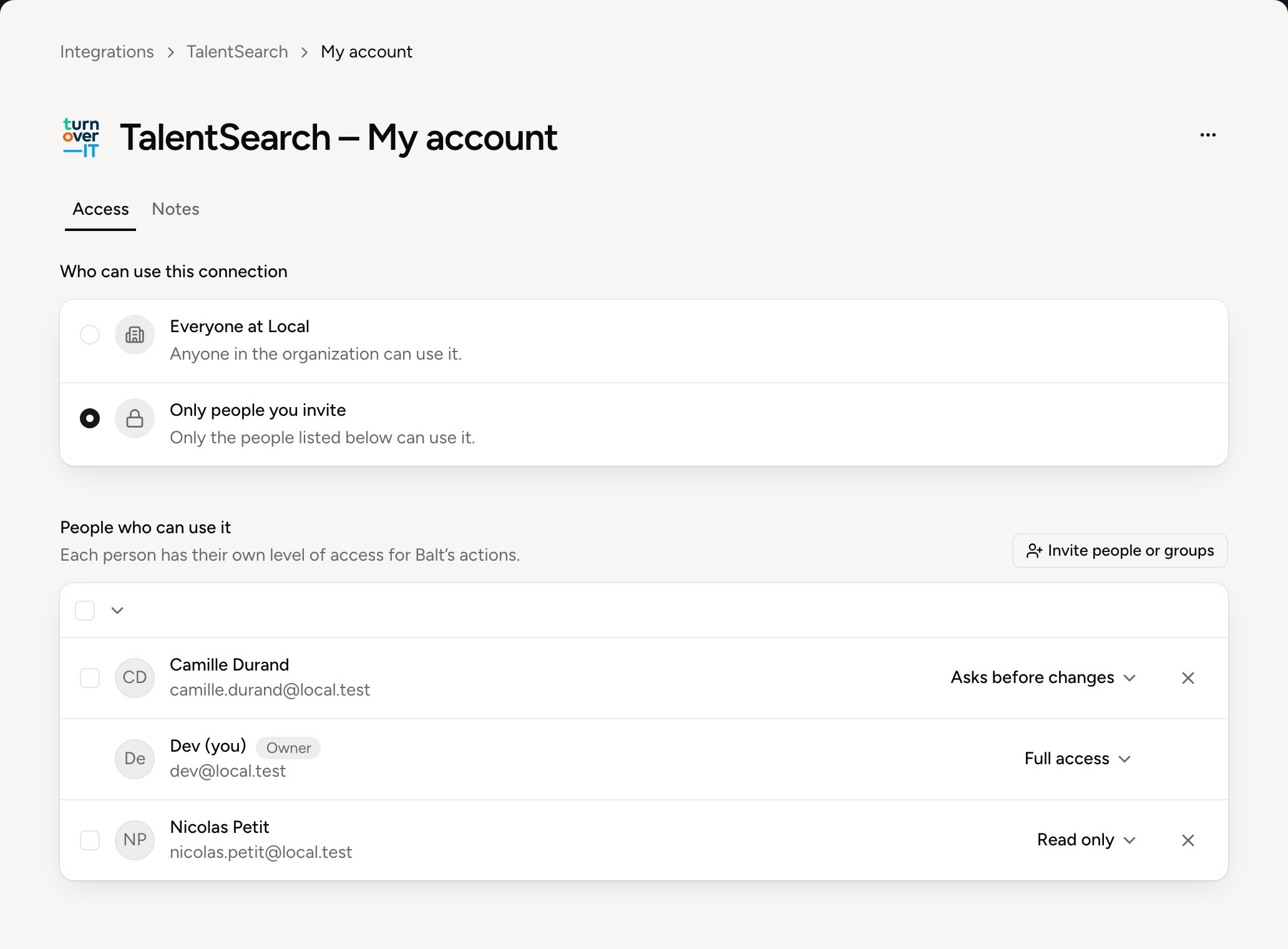
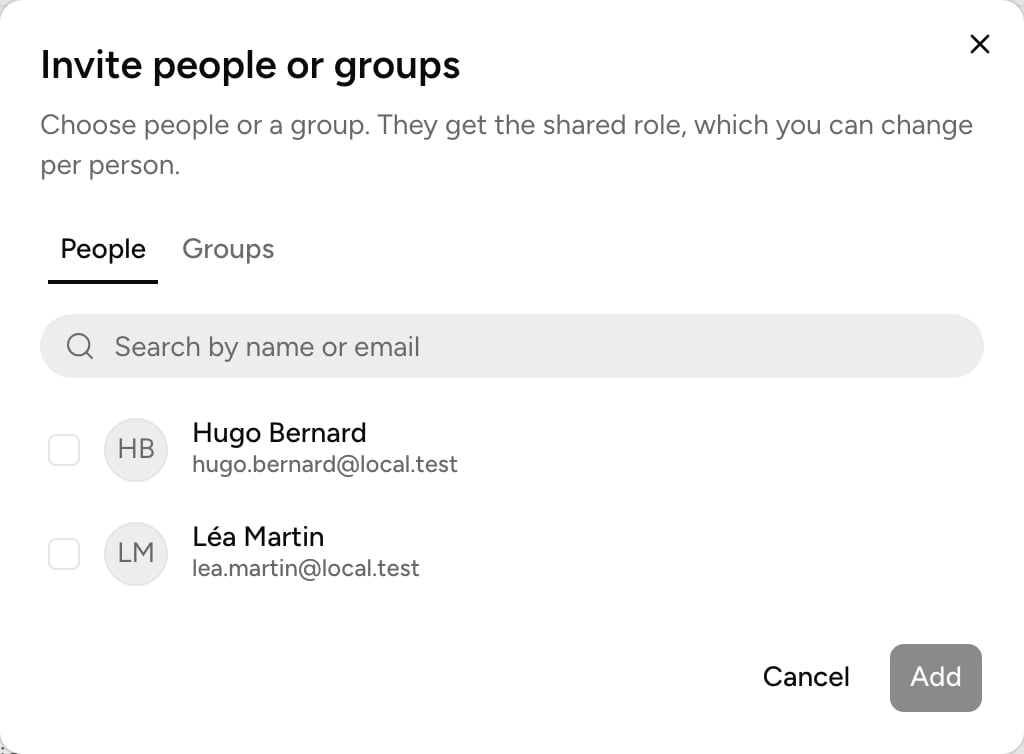
Roles
The role decides what Balt does for a person with this account.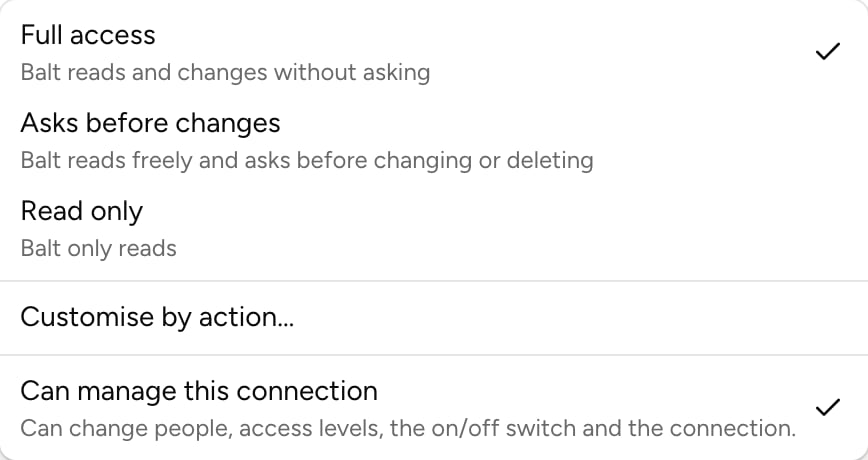
Customised shows when actions were set one by one, with Customise by action….
See What Balt does alone for the detail, action by action.
Can manage this connection, in the same menu, lets a person change the list, the roles, the switch and the connection. They’re then marked manages.