

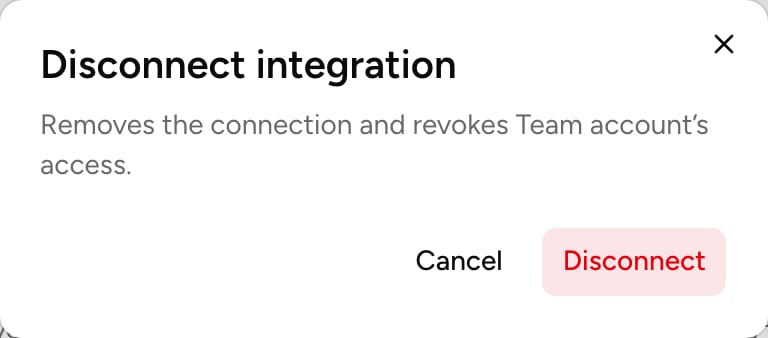
Disconnect an account
An account’s state
Each account’s card, on the tool’s page, says where it stands.
When access expires or is lost, the account’s page also shows a warning. For a Sign-in account, the warning’s button opens a new connection: once reconnected, disconnect the old account.
What Balt learned
The Notes tab holds what Balt learned about the tool by using it: how it’s organized at your company, the names to know, the pitfalls.- Written by Balt updates automatically.
- What Balt learned here is shared with the organization. An administrator can Correct or Clear it.