

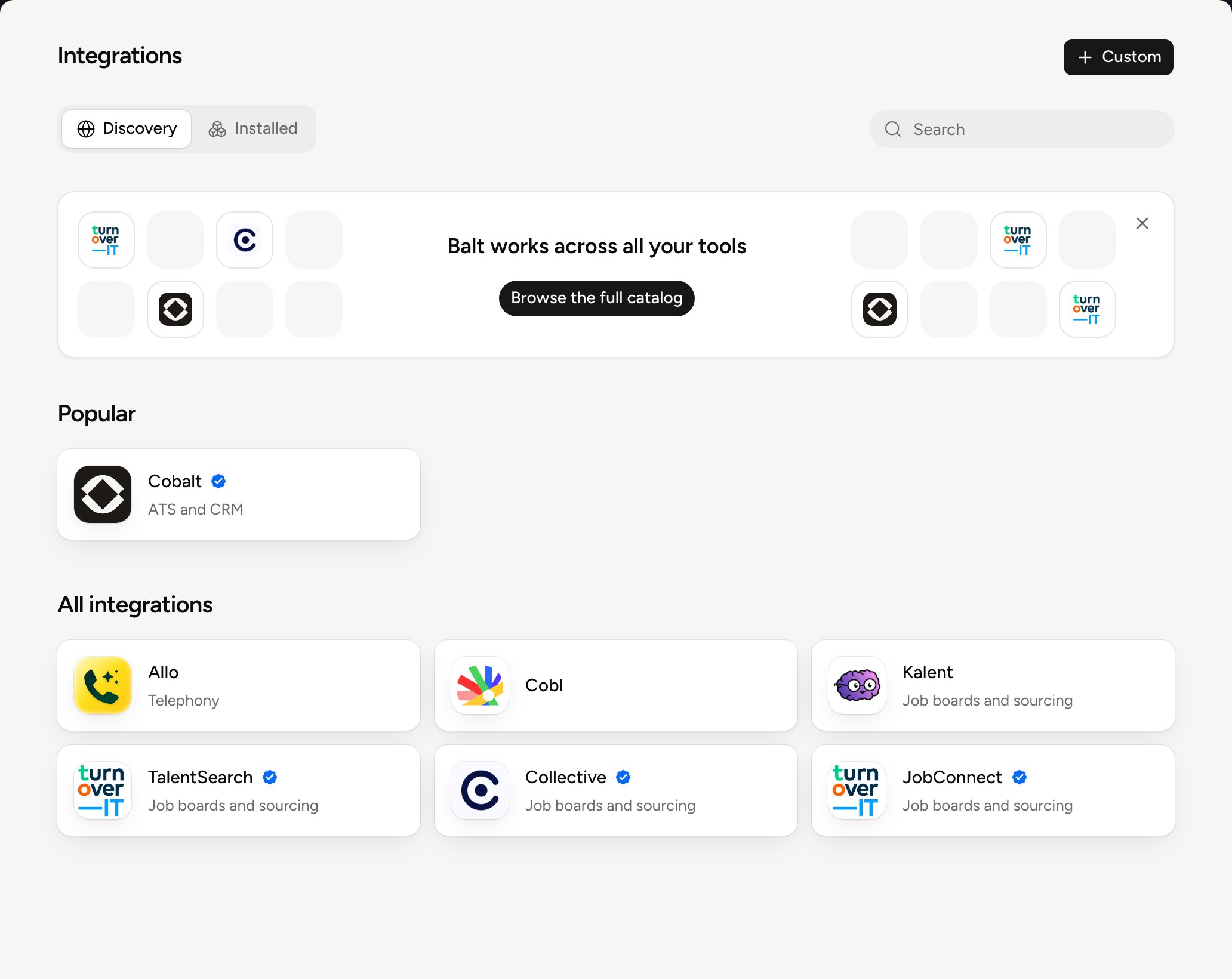
Search matches the tool’s name. The blue badge next to a name marks an Official integration, provided by Balt. An integration your organization added has none.
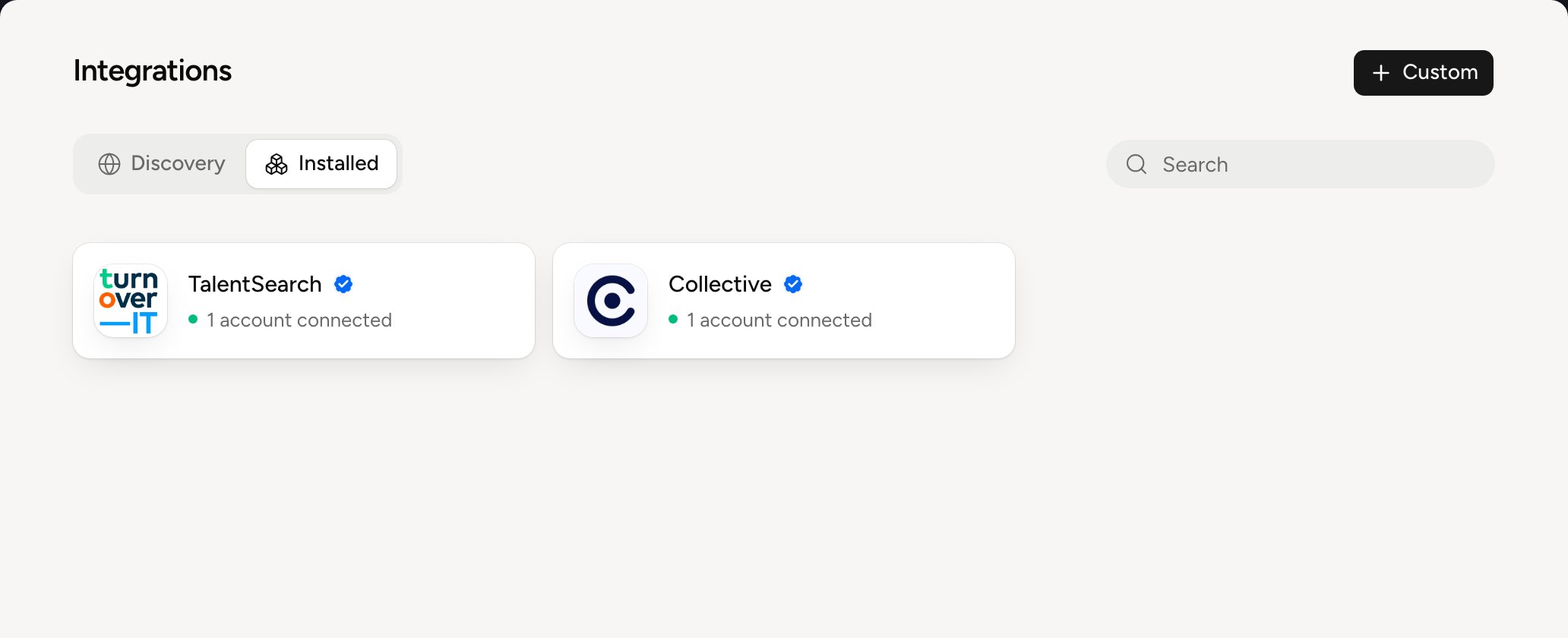
A tool’s page
Open a tool to see what Balt does with it, how it connects and the accounts already connected.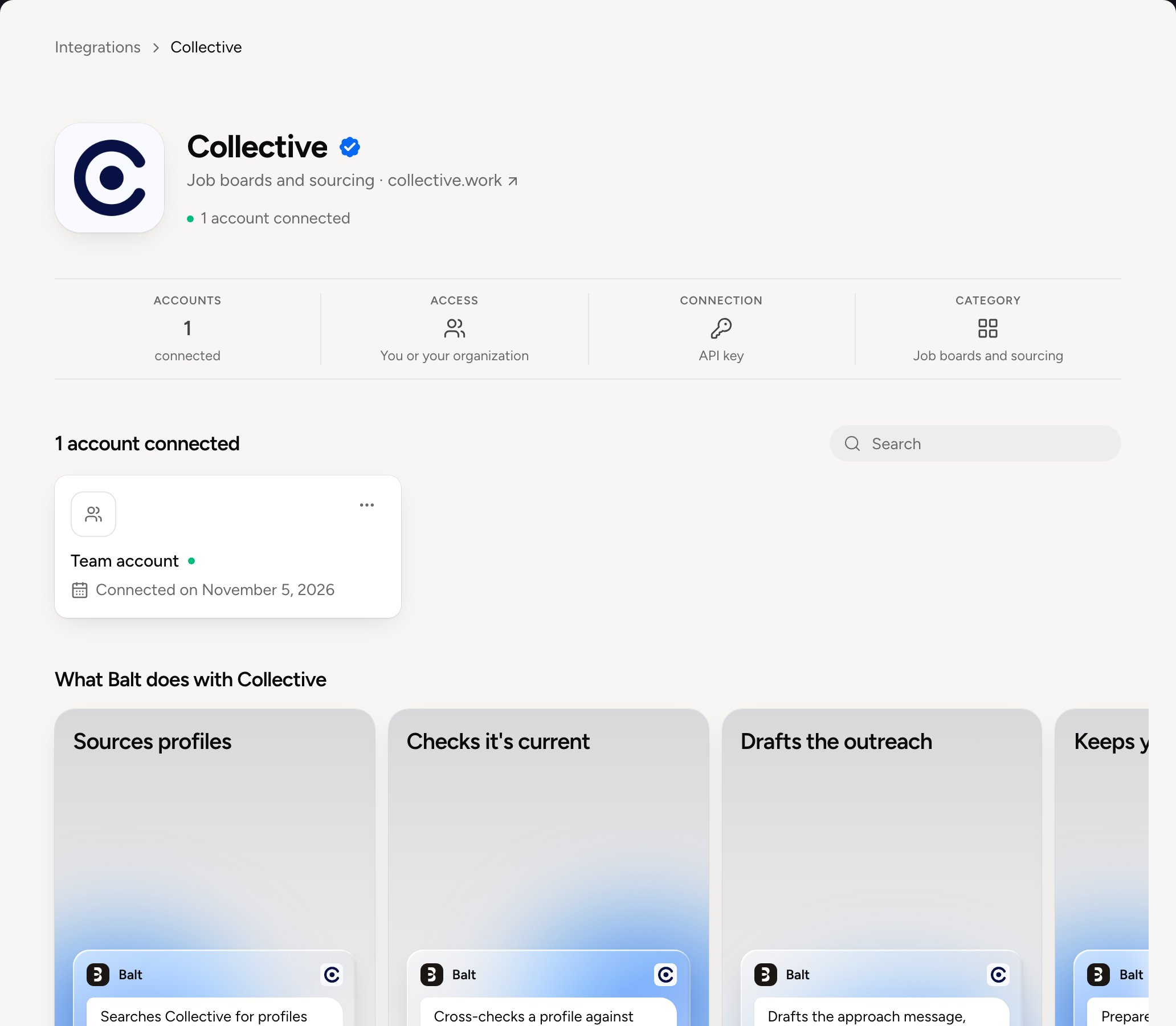
Below these facts, the connected accounts: a padlock for a private account, a group of people for an organization account. Click an account to set its access.
For you or for the whole organization
An account is connected for you alone or for the whole organization. A private account serves you and the people you invite. An organization account serves everyone, and only administrators connect one. See Personal and organization accounts.Everything about integrations
Connect a tool
Sign-in, API key, several accounts
Personal and organization accounts
The difference, and which account Balt uses
Who can use an account
Invite, give a role, let people manage it
What Balt does alone
Automatic, ask or deny, action by action
Manage an account
Rename, switch off, reconnect, disconnect
Company access
One approval for the whole team
Custom integrations
Your own API or MCP server